What Does A PCB Board Do?

Key Takeaways...

What Does a PCB Board Do?

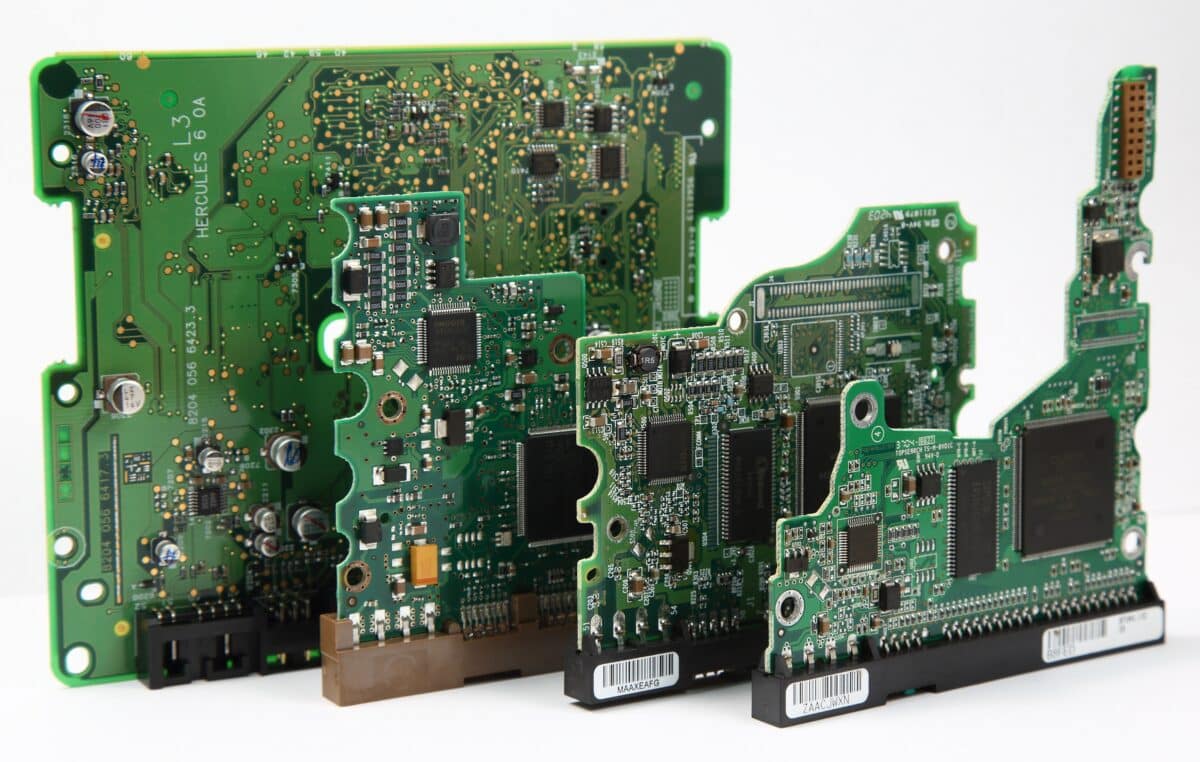
Understanding what a PCB board does is essential in modern electronics because almost every electronic device depends on a printed circuit board (PCB) to function. A PCB board connects electronic components and allows electrical signals to travel through copper traces in a controlled and reliable way. Without it, electronic devices such as phones, laptops, and medical systems would not operate efficiently.

A printed circuit board (PCB) acts as the foundation that supports and connects all electronic components inside a device, making it a core element of consumer electronics and industrial technology systems.

What a PCB Board Does

A PCB board supports electronic components, connects them through conductive copper pathways, and ensures stable electrical performance in electronic devices without the need for complex wiring systems.

What Does a PCB Board Do in Electronic Devices?

A PCB board connects electronic components such as resistors, capacitors, diodes, and integrated circuits (ICs) into a complete working system. These components are mounted onto the board using solder mask protection and precise PCB design techniques to ensure durability and stability.

The conductive copper inside the board forms copper traces that act as pathways for electrical signals. These signals travel between passive components and active parts like integrated circuit chips, allowing the device to process information efficiently.

For a deeper understanding of how this system works in real-world electronics, PCB fundamentals are widely explained in technical references such as a printed circuit board overview.

In modern consumer electronics, this structure is essential because devices require high-speed communication between components in a very small space.

How Printed Circuit Board (PCB) Technology Works

A printed circuit board (PCB) is created by layering conductive copper onto an insulating base material. These copper traces are carefully designed to connect electronic components in a structured layout.

In a single-sided PCB, copper traces exist on only one side of the board, making it suitable for simple electronic devices. A double-sided PCB allows connections on both sides, increasing design flexibility. More advanced systems use multilayer PCBs, where several conductive layers are stacked together to support high-density interconnect designs used in smartphones and advanced computing systems.

In high-performance electronics, surface-mount technology is used to place small components directly onto the board surface, improving efficiency and allowing compact PCB design.

More advanced engineering simulations used in modern industries also analyze how copper traces behave under electrical load, helping improve reliability in high-speed circuits and complex systems.
PC Board

Why PCB Design Is Important for Modern Electronics

Good PCB design determines how efficiently a device performs. A well-designed board ensures electronic components communicate without interference, especially in high-speed circuits where signal timing is critical.

In medical applications, precision and stability are essential. PCB design ensures that integrated circuits (ICs) and other components operate correctly even under demanding conditions where accuracy matters.

Rigid-flex PCBs are used in compact or moving devices where flexibility and durability are required. This combination of rigid and flexible materials allows electronic devices to function in environments where traditional boards would fail.

Technical discussions from electronics communities often highlight how PCB layouts influence performance, especially in signal-heavy systems.

Types of PCB Boards Used Today

Different PCB structures are used depending on complexity and application. A single-sided board is used in basic electronics, while double-sided and multilayer PCBs are used in advanced systems requiring more connections.

High-density interconnect boards are designed for compact devices where more electronic components must fit into a smaller space. These are widely used in modern consumer electronics and high-performance computing systems.

Each board type relies on conductive copper and carefully arranged PCB design layouts to ensure smooth electrical performance and stability.

Role of Electronic Components in PCB Boards

Every PCB board depends on electronic components working together. Resistors and capacitors regulate current flow, while integrated circuit chips process signals and control device functions.

Passive components support energy storage and regulation, while active components manage amplification and switching. Together, they form a complete system that allows electronic devices to function reliably and efficiently.

Where PCB Boards Are Used

Printed circuit board (PCB) technology is used across almost every modern industry. Consumer electronics such as smartphones, tablets, and laptops depend heavily on multilayer PCBs for compact performance.

Medical applications also rely on precise PCB design to ensure accuracy in diagnostic and monitoring equipment. Industrial systems, automotive electronics, and communication devices all depend on stable copper traces and integrated circuits (ICs) to operate effectively.

So, what does a PCB board do?

A printed circuit board (PCB) connects electronic components using conductive copper traces, supports efficient PCB design, and enables modern electronic devices to operate reliably. From consumer electronics to medical applications, PCB technology remains the foundation of nearly all digital systems.

What Does A Graphics Card Do?

Key Takeaways...

Whether you’re using a computer for business, design, gaming or data processing, you’ll likely have heard of a graphics card (GPU). But what exactly does it do, and why is it so important for performance?

In this article, we’ll break down what a graphics card is, how it works, and why businesses should understand its function when managing IT hardware and planning upgrades.

What Is a Graphics Card?

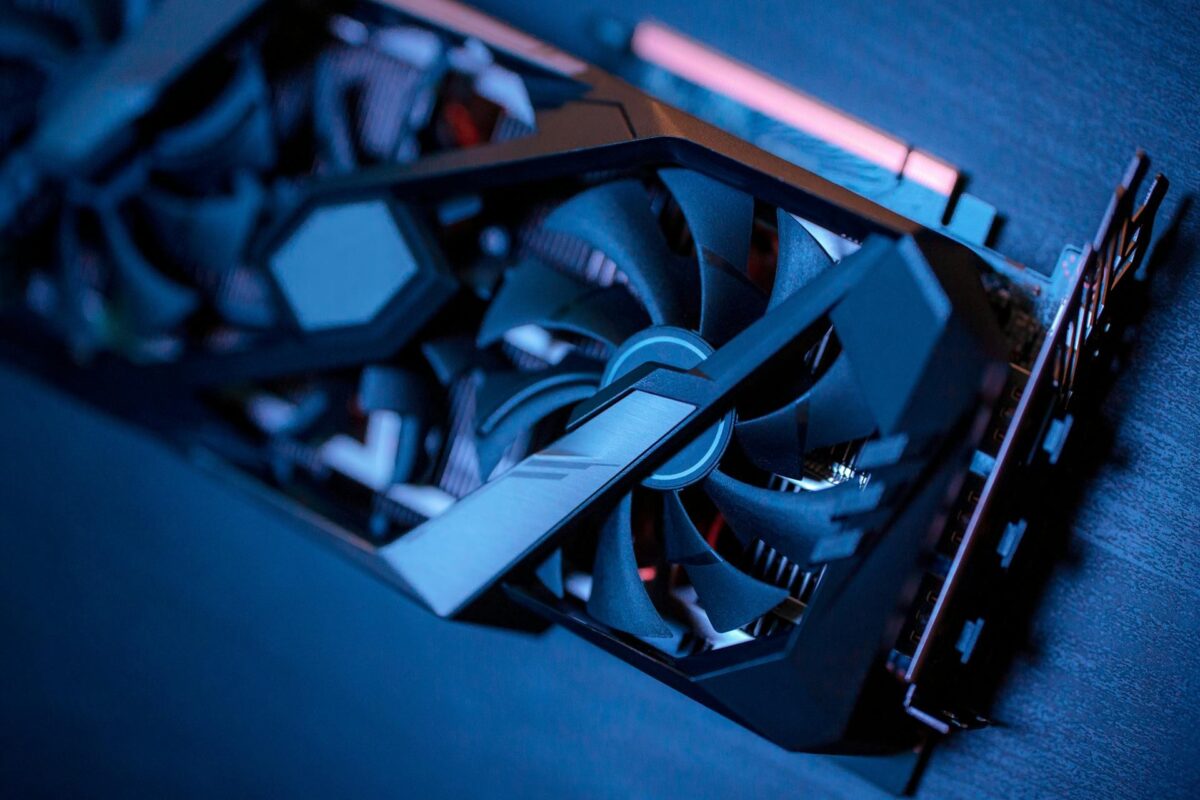
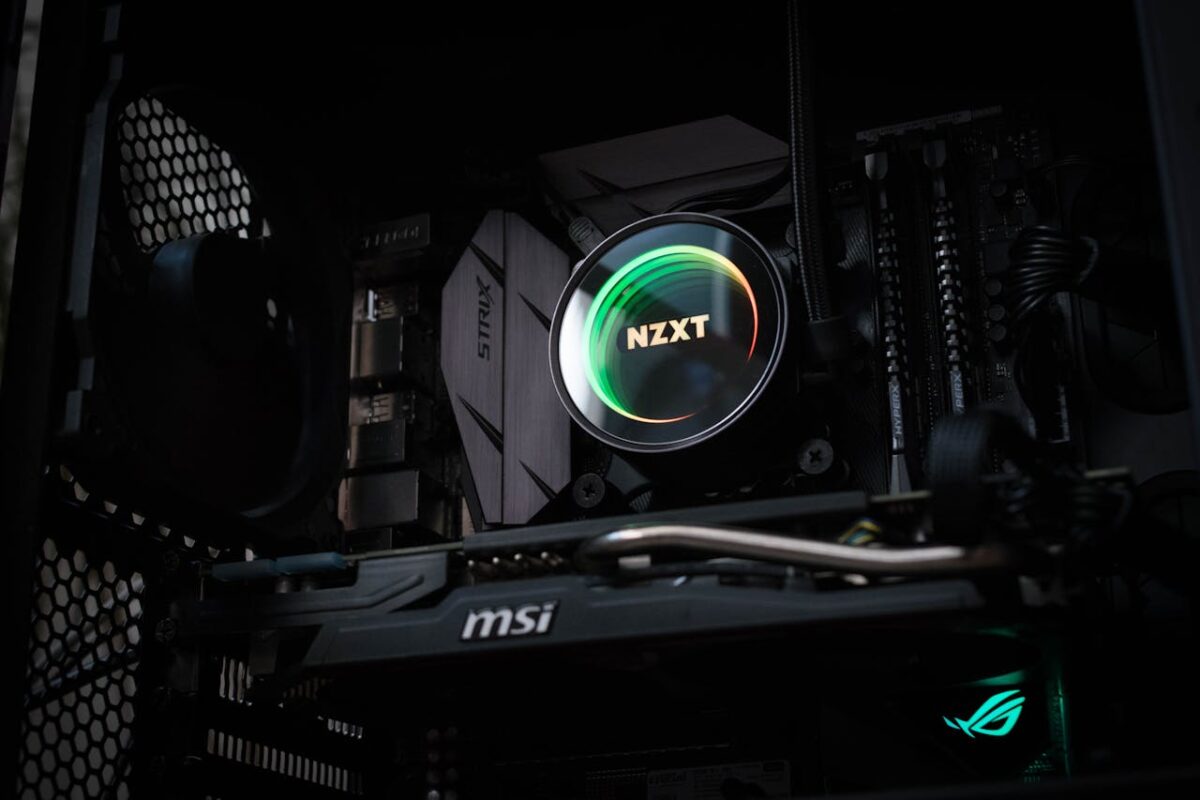
A graphics card, also known as a GPU (Graphics Processing Unit), is a specialised piece of hardware inside a computer that is responsible for rendering images, videos and animations on your display.

Unlike the CPU (central processing unit), which handles a wide variety of general computing tasks, the GPU is specifically designed for the parallel processing required to produce complex visuals and run demanding software.

Modern graphics cards are incredibly powerful, often containing billions of transistors and large amounts of high-speed memory, making them essential for applications beyond just displaying images.

What Does a Graphics Card Actually Do?

At its core, a graphics card translates data into visual output. Whenever you open a program, play a video or launch a game, the GPU processes the information and sends it to your monitor as high-quality images.

Here are the key tasks a GPU performs:

  1. Rendering Graphics and Images

The primary function of a graphics card is to render visuals. This includes everything from displaying your desktop icons to producing detailed 3D graphics in games or design software.

  1. Accelerating Performance in Software

Many professional applications – such as CAD programs, video editing software and AI tools – rely on the GPU for heavy computational tasks. A powerful graphics card can dramatically speed up processing times.

  1. Handling Video Playback

GPUs also process and decode video files, ensuring smooth playback of high-resolution content without placing extra strain on the CPU.

  1. Supporting Multiple Displays

Most modern graphics cards can drive multiple monitors at once, making them essential for businesses that need extended workspaces for productivity.

Why Are Graphics Cards Important for Businesses?

Businesses rely on GPUs for more than just visuals. High-performance graphics cards are essential in industries like design, engineering, medical imaging, data analysis and artificial intelligence. Even in standard office environments, a capable GPU ensures a seamless user experience and reduces system slowdowns.

Additionally, as software evolves, graphics card requirements increase. A system with an outdated GPU may struggle to keep up with modern applications, resulting in reduced productivity and compatibility issues.

What To Do With Old Graphics Cards

When a graphics card is no longer powerful enough or stops working, it’s important to dispose of it responsibly. GPUs contain printed circuit boards (PCBs) and valuable metals like gold, silver and copper that can be recycled.

At RePCB, we provide a dedicated graphics card recycling service for businesses across the UK. We securely collect and recycle all types of GPUs, ensuring compliance with WEEE regulations while helping to recover valuable resources.

How Long Do GPUs Last?

Key Takeaways...

If you’re a business managing IT hardware or simply someone who wants to get the most out of your graphics cards, one question inevitably comes up: How long do GPUs last? Whether you’re using them for high-performance gaming, data processing, design work or AI applications, understanding the lifespan of your graphics cards is essential for budgeting, performance planning and knowing when to recycle outdated hardware.

In this article, we’ll explore how long a GPU can last, the factors that influence its longevity, and how you can tell when it’s time for a replacement.

The Average Lifespan of a GPU

On average, a well-maintained GPU will last between 5 to 8 years under normal use. However, this number can vary greatly depending on how the graphics card is used and the conditions it’s kept in.

For example, a GPU running under heavy workloads 24/7 (such as in data centres or cryptocurrency mining) may last significantly less time – perhaps 2 to 3 years – compared to one used for general office tasks or light gaming.

It’s important to note that most GPUs don’t “die” suddenly. Instead, they gradually become technologically obsolete. Even if the hardware still works, it may no longer be powerful enough to handle modern software and applications efficiently.

Key Factors That Affect GPU Longevity

Several factors influence how long a GPU will last:

1. Workload and Usage

The heavier the workload, the shorter the lifespan. GPUs used for gaming at ultra-high settings, rendering, machine learning, or cryptocurrency mining are constantly pushed to their limits. This creates heat and stress on components, reducing longevity.

2. Cooling and Maintenance

Heat is the biggest enemy of any electronic component. If your GPU’s cooling system isn’t working effectively, it will degrade faster. Regularly cleaning dust from fans and heatsinks and ensuring good airflow within the PC case can help extend its life.

3. Quality of the Graphics Card

High-end, well-manufactured GPUs from reputable brands often last longer than budget options. Better materials, stronger power delivery systems and robust cooling designs all contribute to durability.

4. Environmental Conditions

Where your GPUs operate matters. Hot, humid or dusty environments can accelerate wear and tear. Likewise, frequent power surges or unstable electricity can damage sensitive components.

5. Technological Obsolescence

Even if a GPU is physically working, the pace of technological advancement means it might struggle to keep up with software updates and system requirements after a few years.

Signs It’s Time to Replace Your GPU

If you’re wondering whether your graphics card is nearing the end of its usable life, look out for these common signs:

  • Frequent crashes, artefacts or screen glitches

  • Noticeable performance drops in applications or games

  • Overheating even under light workloads

  • Difficulty supporting modern software or operating system updates

  • No longer compatible with newer hardware or interfaces

When these issues start becoming regular, it’s often more cost-effective to replace the GPU rather than trying to repair it.

Maximising the Lifespan of Your GPUs

While no GPU will last forever, there are steps you can take to ensure you get the best return on investment:

  • Keep the GPU cool with regular cleaning and proper ventilation

  • Avoid constant heavy overclocking or high-stress workloads

  • Use a quality power supply to protect against electrical fluctuations

  • Update drivers and firmware to maintain software compatibility

For businesses with large numbers of GPUs, implementing a regular refresh cycle can help avoid downtime and maintain productivity.

What To Do With Old GPUs

Once a GPU reaches the end of its life, it’s important to dispose of it responsibly. GPUs contain printed circuit boards (PCBs) and valuable metals that can be recycled and reused. At RePCB, we specialise in graphics card recycling for businesses across the UK. We securely collect, process and recycle all types of GPUs, ensuring you remain compliant with WEEE regulations while protecting the environment.